Menus that change
with your till.
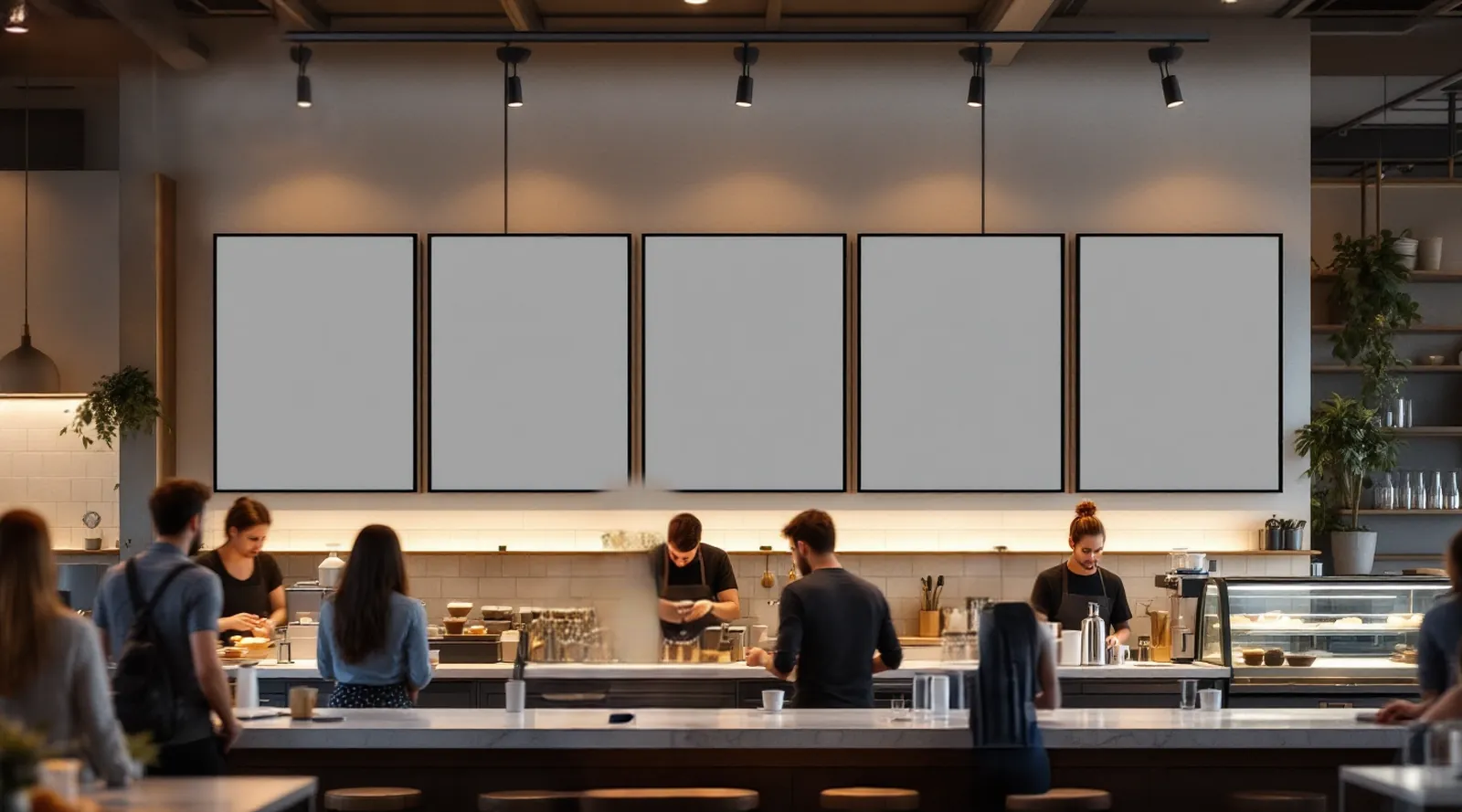
Prices, daily specials and sold-out items come straight from your POS. Five portrait screens or one LED strip, all showing one live scene.



ready in 2 minutes.
What you can show
Live prices
Change a price at the till; every menu screen animates to it.
Morning and evening menus
Breakfast at 7, desserts at 6 pm. The menu follows the clock.
Sold out, automatically
Out of stock items fade and strike through on their own.
Order-ready numbers
The queue moves on screen as orders are called.
Offers across screens
One offer spans all five screens, then steps aside.
POS · Google Sheets · schedule
3–5 portrait 55″ displays above the counter, or one LED strip. LG webOS, Android or any screen with a browser.
Menu board · Coffee of the day · Order queue · Happy hour
Start with one screen.
Bring them all alive.
Tell us about your space; we will show you the scene running on your screens in a 20-minute call.
Start free →Talk to us
Thank you. We will get back to you within one business day.