Windows that sell
this week’s offer.
Campaigns live in a sheet your marketing team already uses. Every video wall and totem picks up the change, store by store.
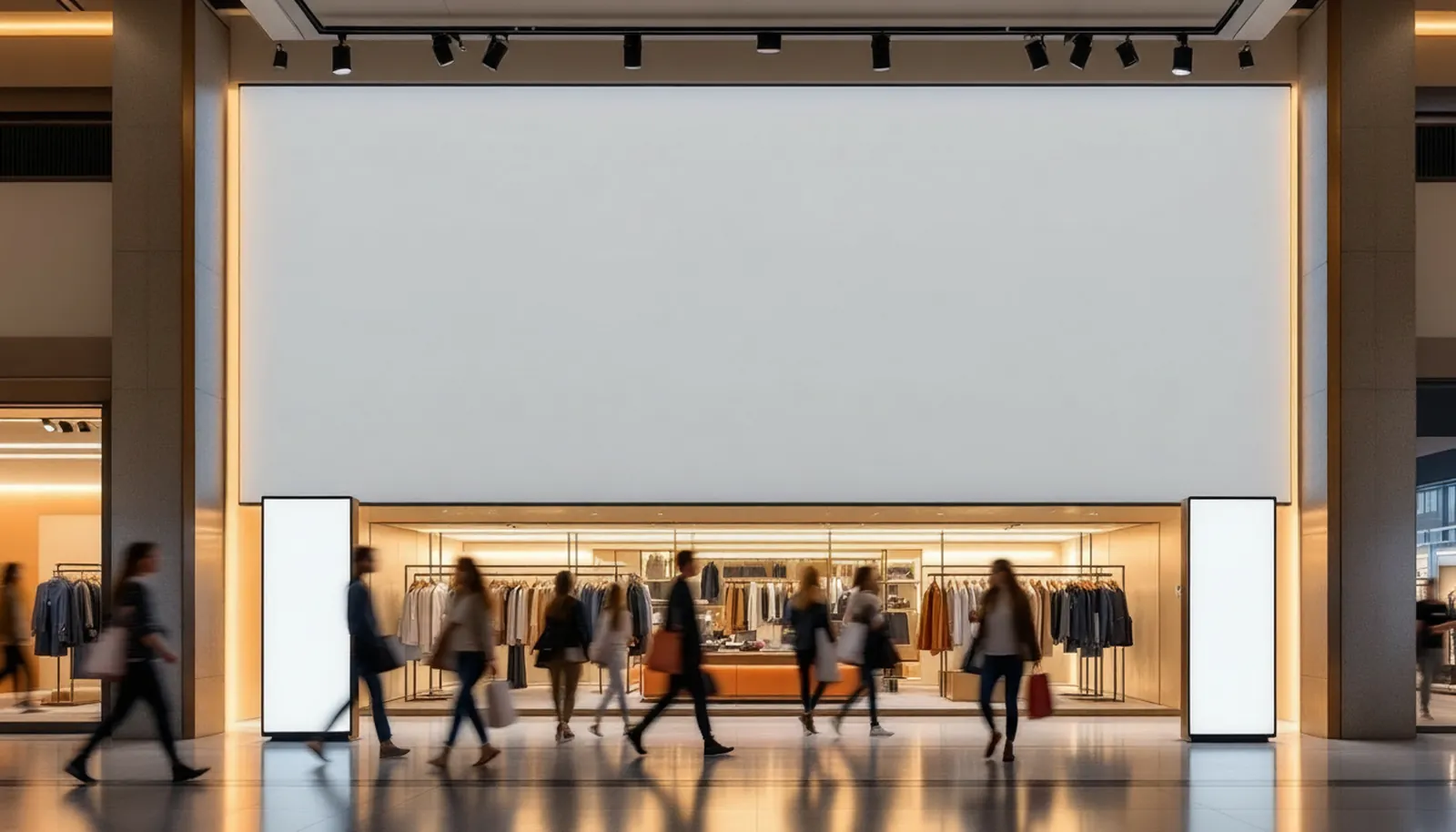

New season · this week
30% off
all coats.
all coats.

30%
30%
Video wall · 16:9
SheetGoogle Sheets
titleAll coats
discount30%
screens3
What you can show
01
Campaigns from a sheet
One row is one offer; dates switch it on and off.
02
Store-specific prices
Each store group shows its own prices and stock.
03
Lookbooks that move
New season photos and video loop between offers.
04
Entrance totems
Portrait screens repeat the offer at the door.
05
Stock-aware
Hide an offer when the item runs out.
Data sources
Google Sheets · your API · AI assistant
Typical setup
A 16:9 video wall or LED above the racks plus portrait totems at the entrance.
Templates to start from
Season campaign · Price drop · Lookbook · Store opening
Other solutions
Start with one screen.
Bring them all alive.
Tell us about your space; we will show you the scene running on your screens in a 20-minute call.
Start free →Talk to us
Thank you. We will get back to you within one business day.